
;; status: NOERROR · free · no sign-up · runs in your browser
Free DNS & Network Tools
Powerful, free tools for DNS lookup, nameserver checks, WHOIS, IP geolocation, SSL verification, and more.
;; tools section · 10 records
All Tools
Every lookup is free and needs no account. Results come straight from public DNS, RDAP and your own browser.
Nameserver Lookup
Check NS records for any domain
Run check →DNS Lookup
Full DNS record lookup (A, AAAA, MX, TXT, CNAME, SOA)
Run check →WHOIS Lookup
WHOIS domain registration information
Run check →IP Lookup
IP address geolocation and details
Run check →SSL Checker
Check SSL certificate details and validity
Run check →HTTP Headers
View HTTP response headers for any URL
Run check →Speed Test
Test website response time and performance
Run check →Domain Availability
Check if a domain name is available
Run check →Blacklist Checker
Check if IP/domain is on DNS blacklists
Run check →Email Validator
Validate email addresses (syntax + MX check)
Run check →;; workflow
Check the domain
Look up its nameservers, DNS records, WHOIS, SSL certificate or HTTP headers in one click.
Read the answer
Results show record types and TTLs the way a resolver returns them, so you see exactly what the internet sees.
Fix it with a guide
Step-by-step guides cover nameserver changes, propagation, SPF/DKIM, DNSSEC and common DNS errors.
;; guides
Latest Posts
View all guides →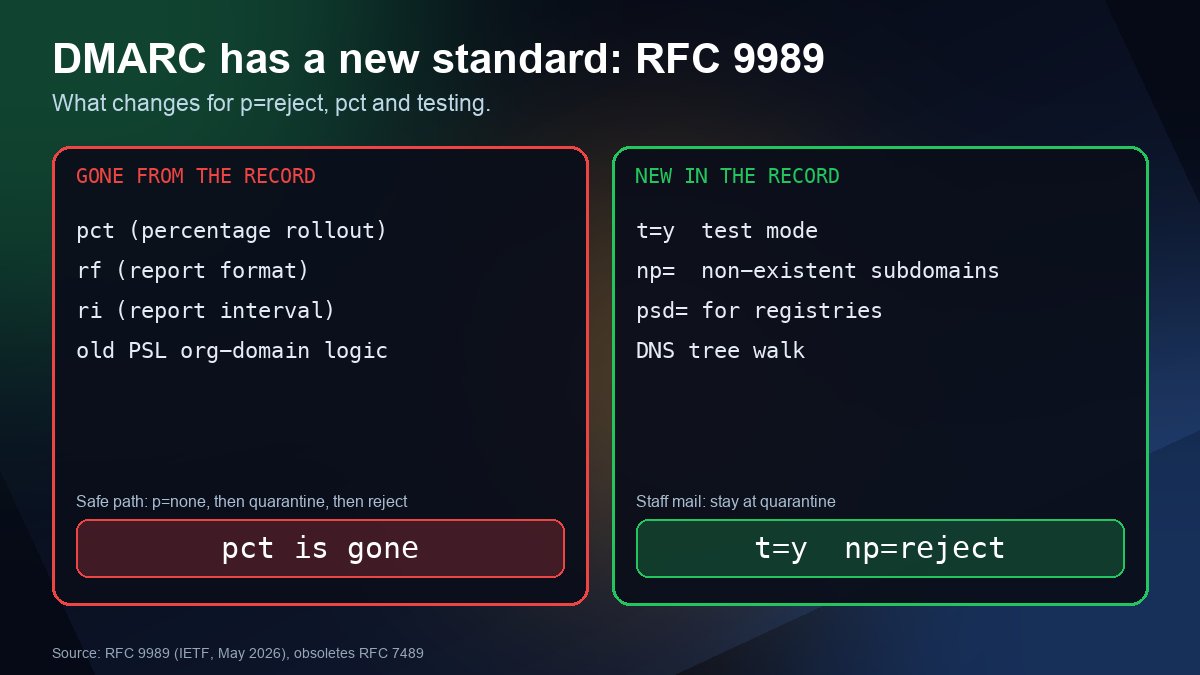
DMARC p=reject in 2026: What the New RFC 9989 Changes (pct Is Gone)
RFC 9989 replaces the original DMARC spec: pct is removed, t and np are new, and everyday-mail domains are told not to use p=reject. See what to change in your record.
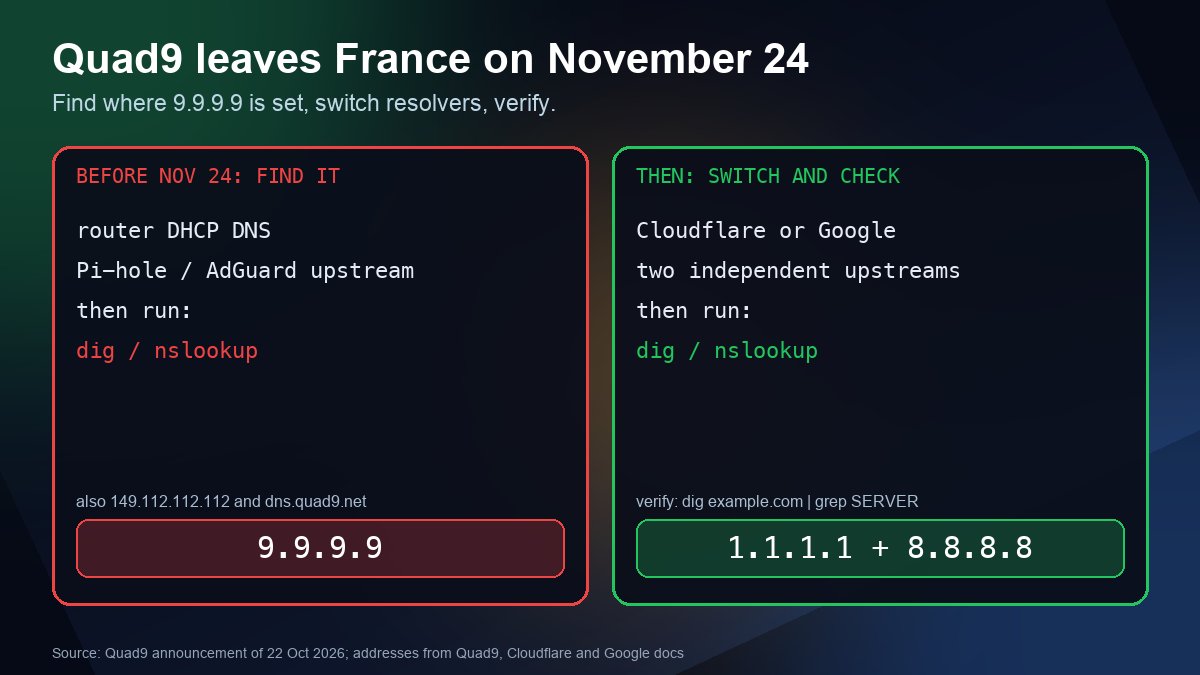
Quad9 Is Leaving France on Nov 24: What to Use Instead
Quad9 will stop serving users in France on November 24, 2026. Find every place 9.9.9.9 is configured, pick a replacement and verify the switch with a few commands.
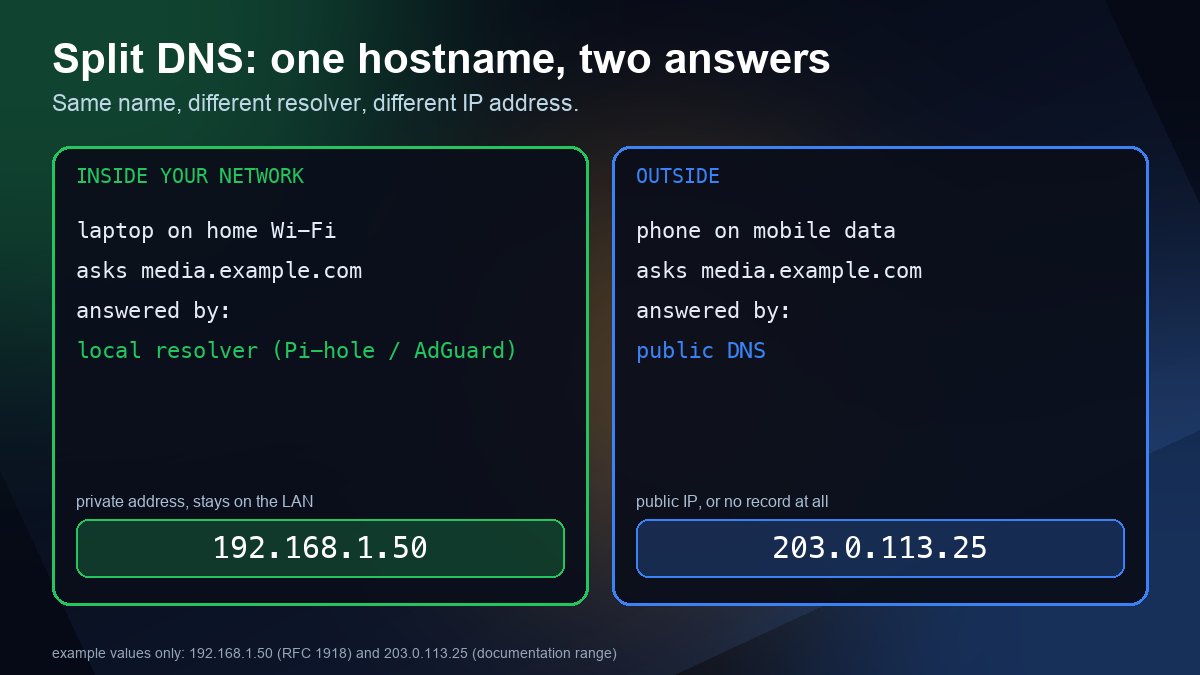
Split DNS for a Home Server: One Hostname, Two Answers
Make media.example.com resolve to a private IP at home and to your public address everywhere else. See how to set it up with Pi-hole, AdGuard Home, dnsmasq or Unbound, and why a browser setting often breaks it.